
Confirmation
The confirmation, seen by the whole family.
Grandparents, cousins and friends all take pictures on the day. PictureBox puts them in one gallery, so nobody has to send photos around afterwards.


5.0 ★ on the App Store
Join our demo party on your phone →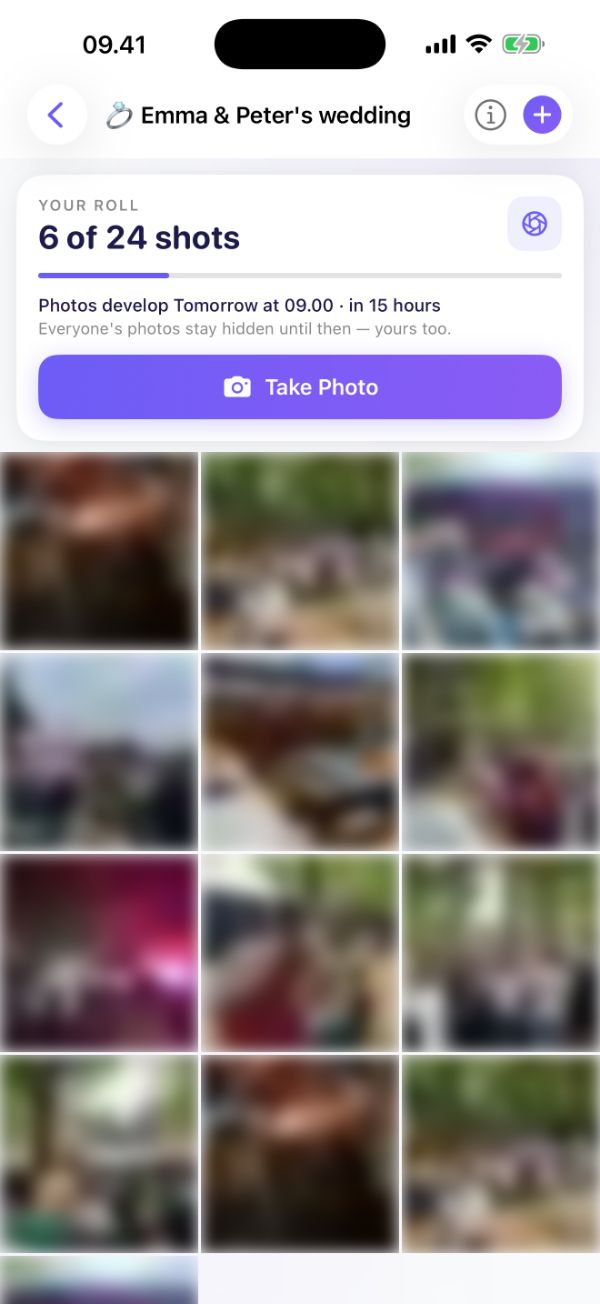
- App for iPhone and Android
- Photos stored in the EU
- Guests keep the rights to their photos
- 10 languages
Why families use PictureBox
- One QR code for everyonePut it on the tables or in the invitation. Scanning takes guests straight to the event.
- A surprise the next dayWith the disposable camera, the photos stay hidden until they develop at the time you choose.
- Ready for the photo albumDownload every photo afterwards and pick the best ones for the album.
How it works
Ready in a minute
- 1
Create the event
Give it a name and a date, and choose how guests take photos.
- 2
Put out the QR code
Print it, show it on a big screen or send the link to your guests.
- 3
Watch the photos come in
Live during the party. Download them all afterwards.
Event types
Three ways to celebrate
Pick one when you create the event.
Classic gallery
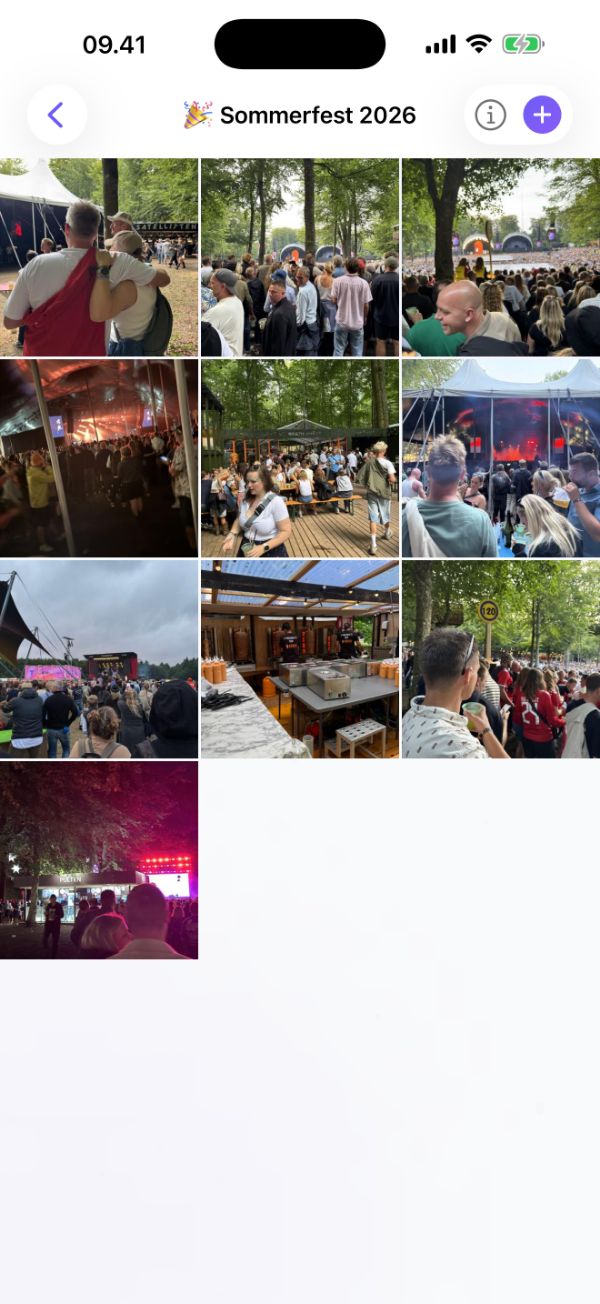
Guests see every photo in the shared gallery the moment it's taken.
Disposable camera
Each guest gets a limited number of shots, and nobody sees the photos until they develop at the reveal time — just like a disposable camera.
Both
The live album as usual, plus a disposable film per guest. Film shots stay hidden until they develop.
Sharing
One QR code does it all
Every event gets its own QR code and link. Download the QR code, add your logo in the middle, and put it on tables, invitations or the big screen.
- Scanning opens the app straight into your event
- Your logo in the middle of the QR code
- A link you can send in a message or an invitation
Occasions
Made for every kind of party
Guides
Tips before the party
FAQ
Questions and answers
How do guests join?
They scan the QR code, which sends them to the PictureBox app for iPhone or Android and straight into your event. Guests only need to type their name.
Can I check the photos before everyone sees them?
Yes. Turn on photo approval, and nothing shows up in the gallery until you have approved it.
Who owns the photos?
The guest who took the photo keeps the copyright. By uploading, guests give the host the right to use and share the photos, for example on social media.
Can I download all the photos afterwards?
Yes. As the host you can download the whole gallery in one go.
What does it cost?
PictureBox is free to use right now.
Where are the photos stored?
On servers in the EU. Guests can delete their own photos at any time.